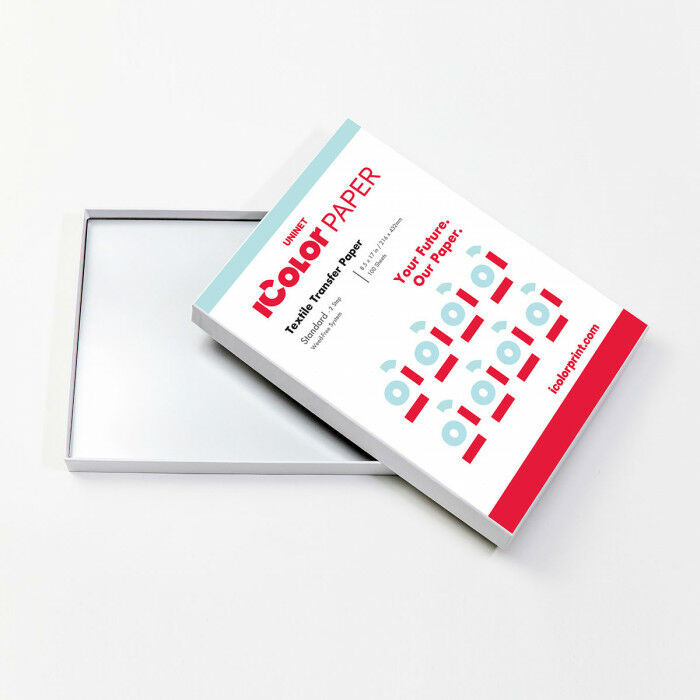
iColor Standard 2step transfer paper A4
3.02 €+ VAT (3.84 €)
iColor Standard 2step transfer paper A4
3.02 €+ VAT (3.84 €)
Expected delivery date:
19/10/2026
2step standard heat transfer paper is a 2step paper for Dark/Colored Textiles
For Uninet IColor WHITE TONER printers!
The price is include: A+B papers
Details
IColor 2 step Standard Transfer paper
The IColor 2-Step Standard Transfer Paper set will allow you to transfer prints from your IColor printer or most laser printers (including white and fluorescent color prints) onto a variety of garments, especially dark fabrics.
The white adhesive applied as a result of the 2-step process enhances the color of your print, and increases the adhesion to your garment for maximum durability, opacity and vibrancy on your finished product.
Rasterization and breathability integrated into your design, as well as using the garment color as a mask, will enhance the stretch limit and softness of your finished product.
IColor 2-Step Standard Transfer Media is a weed-free system, ensuring little time is wasted picking and weeding your transfer prints, enabling you to produce detailed, quality images while dramatically reducing your production time.
This specific paper works at a higher temperature compared to the iColor Premium paper, so some care must be taken when pressing onto some types of synthetic material, such as nylon or polyester. Spandex or lycra material is not recommended at this temperature.
Main Features of the IColor 2 step Standard Transfer paper
- For Uninet IColor white toner printers!
- 2step, no-weeding technology
- Can be applied with heat press machines
- Semi gloss finish
- Tested with Uninet led printers
What is the difference between the IColor standard, Ultra Bright and the Premium paper?
Standard papír - Semi-glossy, normal thickness and higher pressing temperature
Ultra Bright - The best solution! Loctated between the Premium and the Standard papers. Matte, nicer and softer touch than the Standard paper.
Premium -Matte, Low press temperature, shorter press time, extreme durability, softest feel, laminator recommended
Durability
- Easy to wash in washing machine up to 40C°
- More than 100 wash periods without scratch! We recommend vector graphics and letters.
- Please read the whole of the user manual!
- Easy to wash in washing machine up to 40C°
- More than 100 wash periods without scratch! We recommend vector graphics and letters.
- Please read the whole of the user manual!
Printing
- We suggest using the USER MANUAL
- You may need to test some settings to find the best setting for your printer.
Two Step process
The 2-step paper process requires an "A" sheet, the paper that is printed on, and a "B" sheet which is the adhesive/glue that bonds the toner to the garment. During the process, the adhesive on the "B" sheet only becomes "sticky" where the toner was printed when you press/marry the two sheets together, creating a self-weeding, or weedless process. The 2-Step process maximizes the wash life and durability of the finished product.
Rasterization
The process of adding dots and stripes of negative space within a RIP softer to soften your design feel on the garment. This also improves the washability and durability of the design, as well as saving you money by reducing the amount of toner used.
Compatible printers
Can be use in Uninet IColorWhite Toner Printers
These settings are recommended, you may need to conduct your own tests. All technical information and recommendations are based on tests we have conducted.